NOTE/S:
Job seeker should signed up first through our website: https://jobseeker.remotestaff.ph/sign-up
This process is applicable only to the following Job Seeker cases:
Job seekers who forgot to verify their profile
Job seekers who were unable to receive the verification email
Step 1:
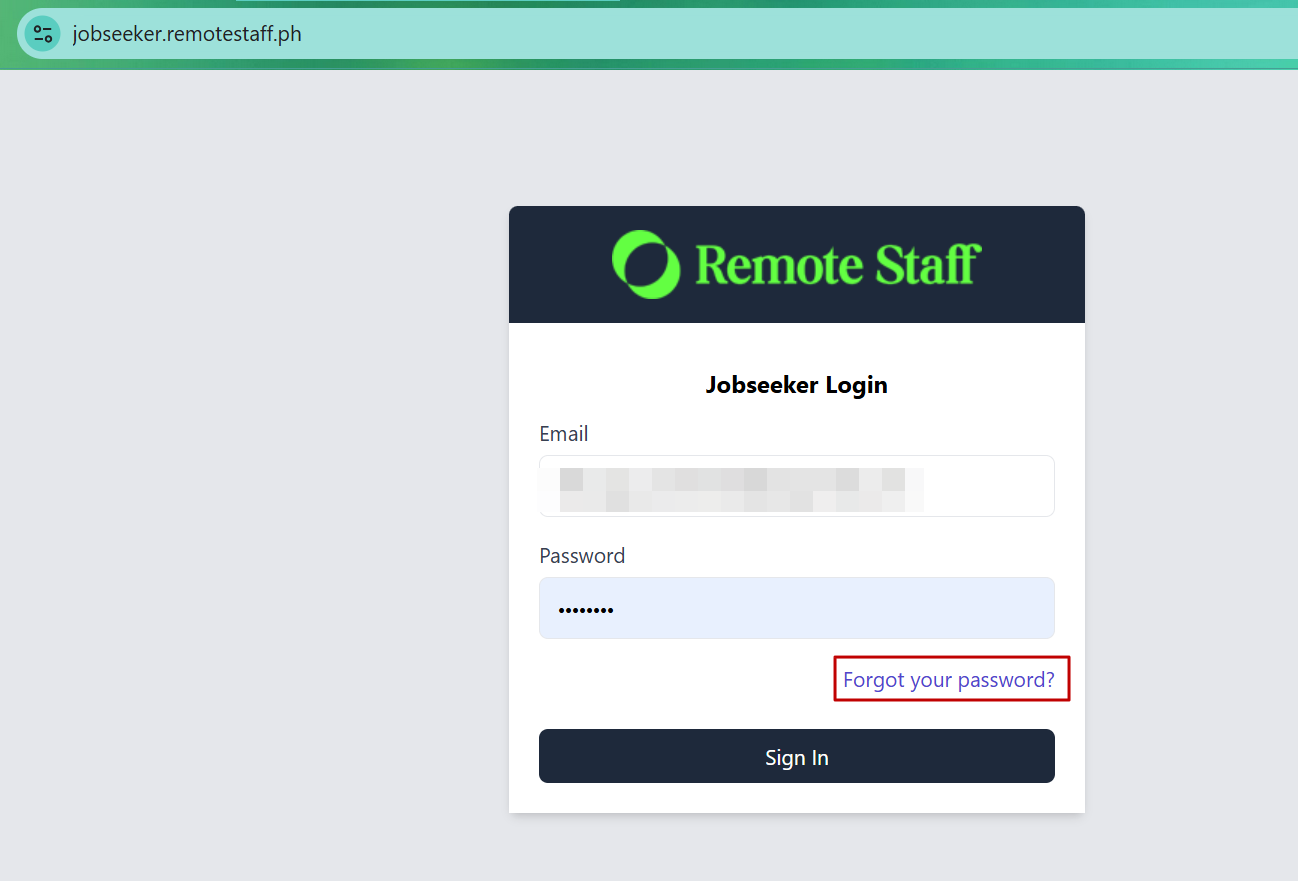
Access the Job Seeker Login Page: https://jobseeker.remotestaff.ph/
Click the FORGOT PASSWORD link
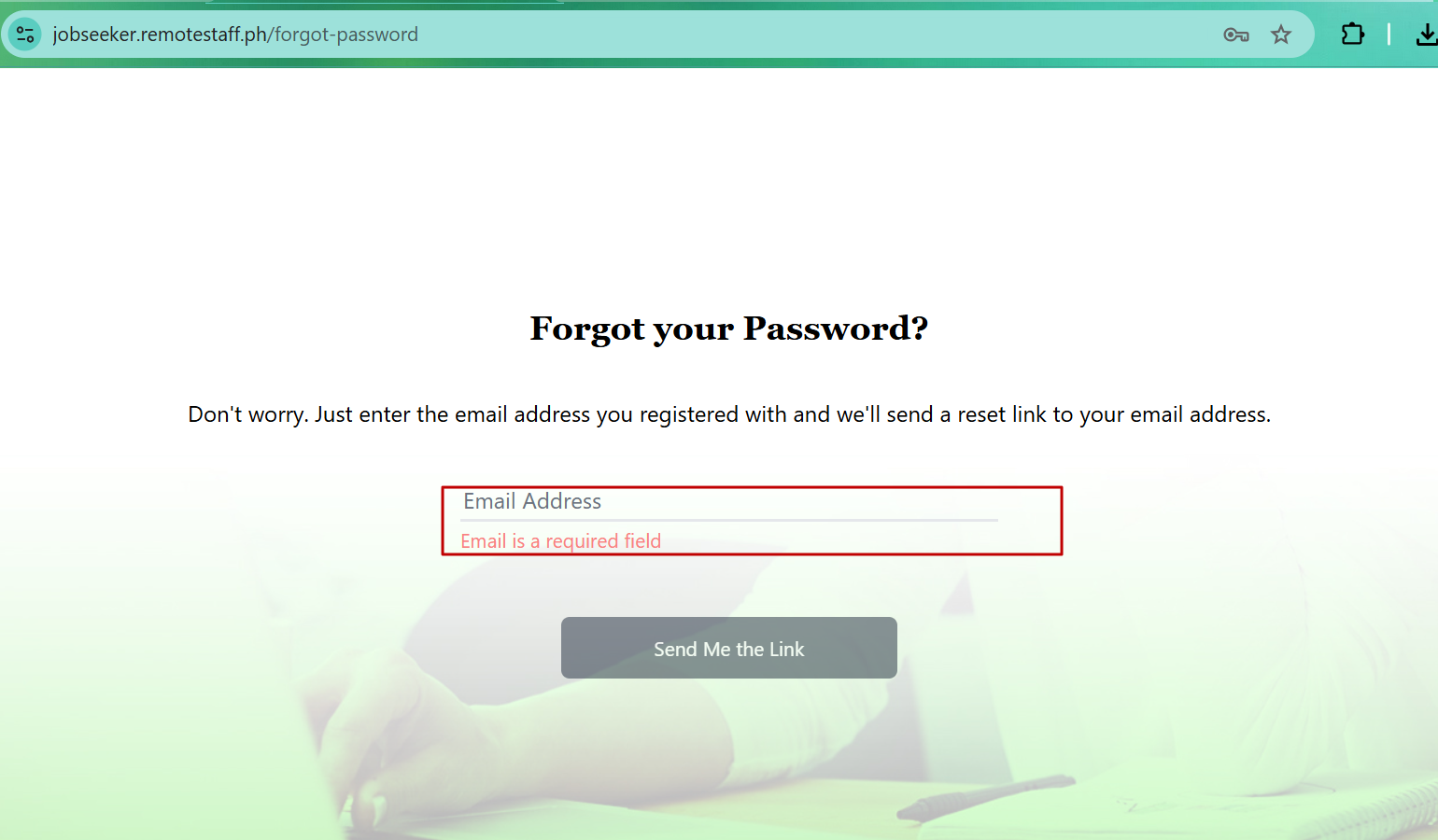
Input the [Email Address] used to sign up
Click the SEND ME THE LINK button
Step II:
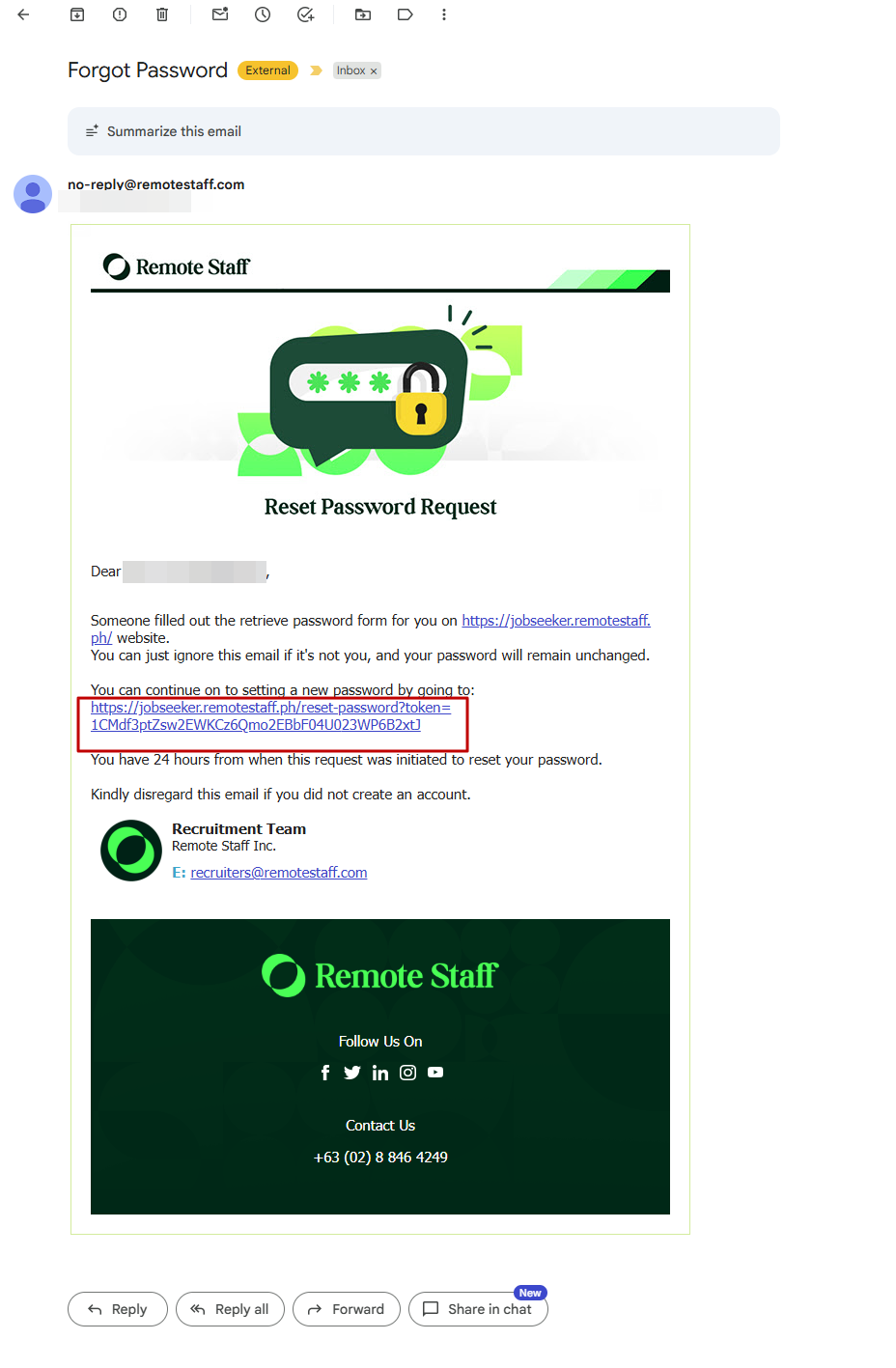
Open Email ( Subject: Forgot Password )
Click the Link from the EMAIL
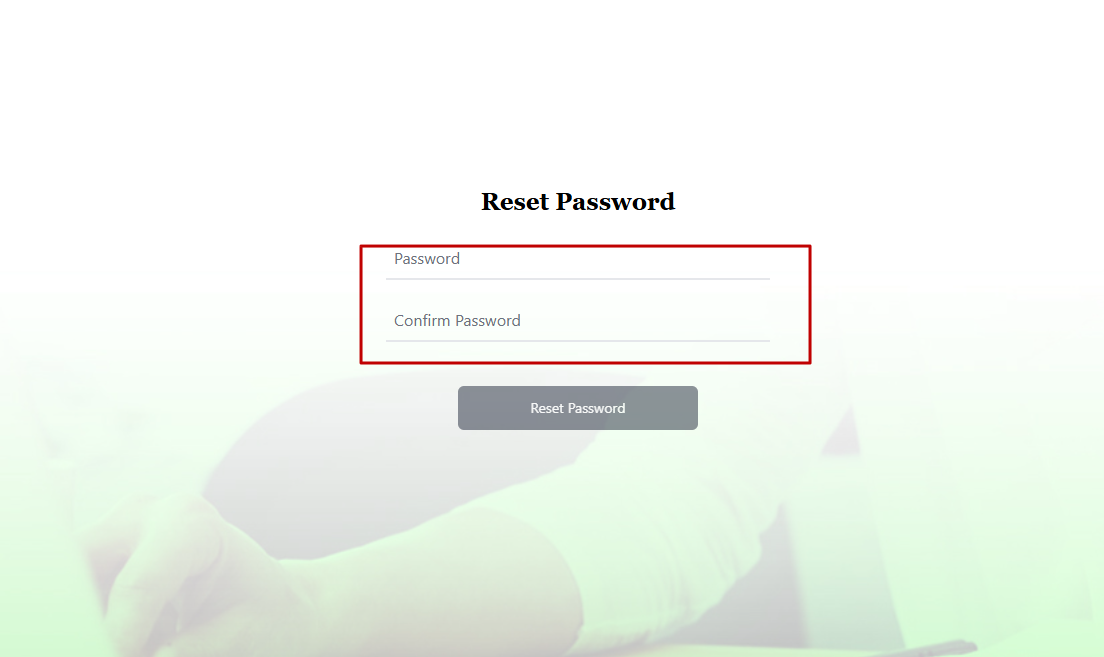
Input [Desired Password]
Click RESET PASSWORD button
Input t
Step III:
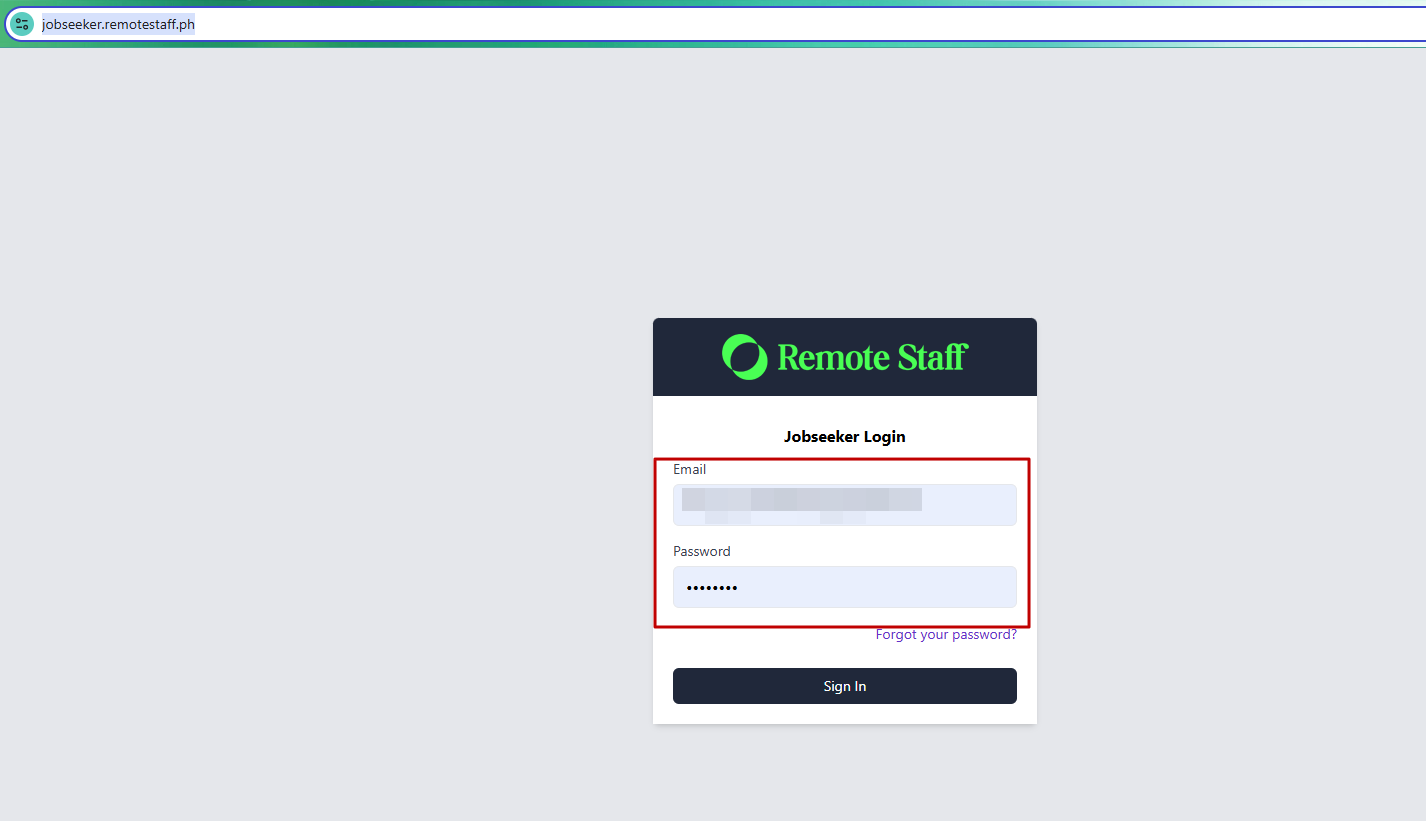
User will be redirected to https://jobseeker.remotestaff.ph/
Input [Email] and [Password]
Click SIGN IN button
Was this article helpful?
That’s Great!
Thank you for your feedback
Sorry! We couldn't be helpful
Thank you for your feedback
Feedback sent
We appreciate your effort and will try to fix the article